CRM Sidebarwith Gmail Selective Sync

Your whole inbox does not belong in your CRM.

Send only what matters.

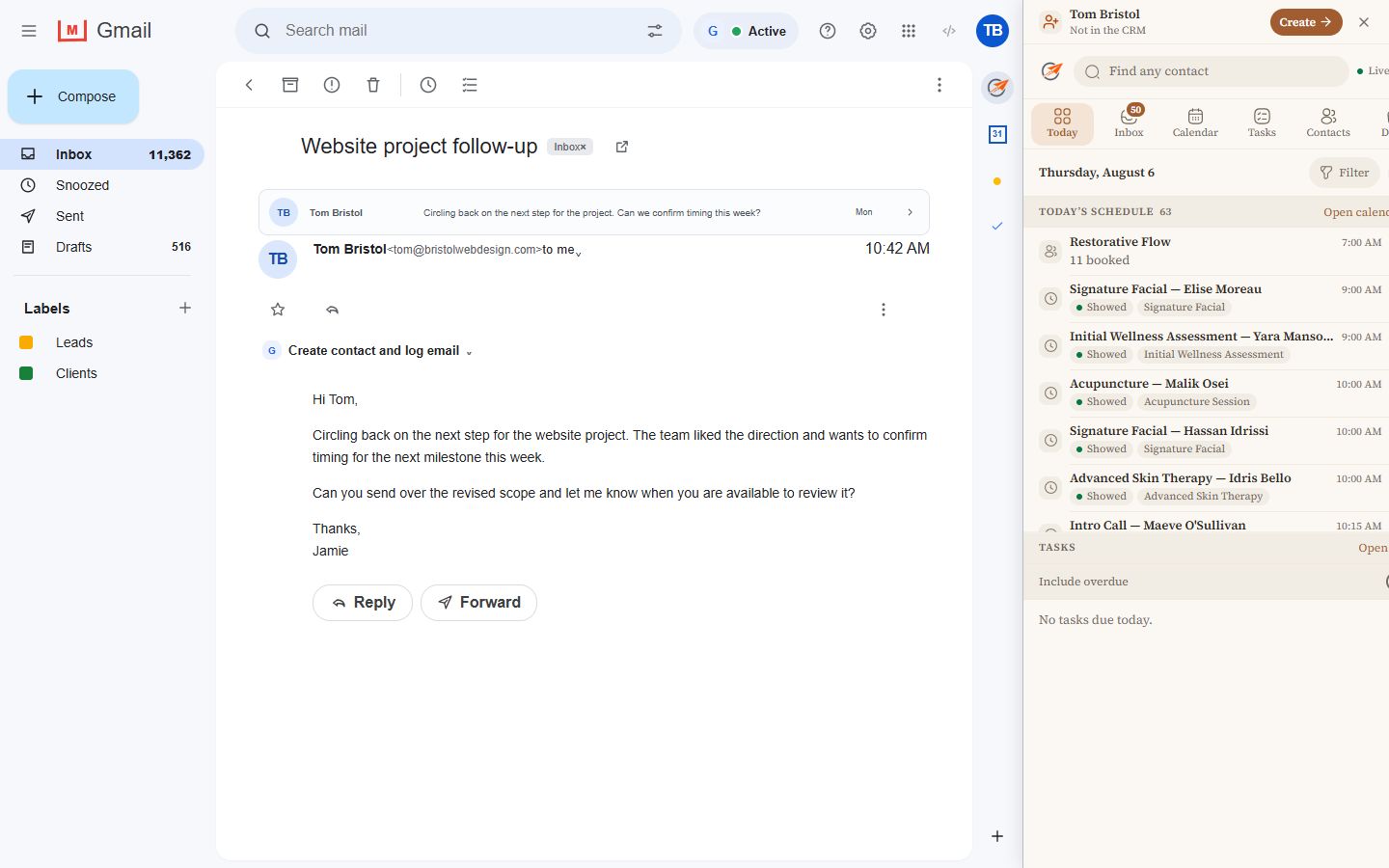
Add a Send to CRM action to Gmail messages and threads. Choose the conversations that belong in your sales process. Everything else stays out.

$10 / monthper CRM locationIncluded for qualifying Toolkit agencies
Gmail messageSelective Sync
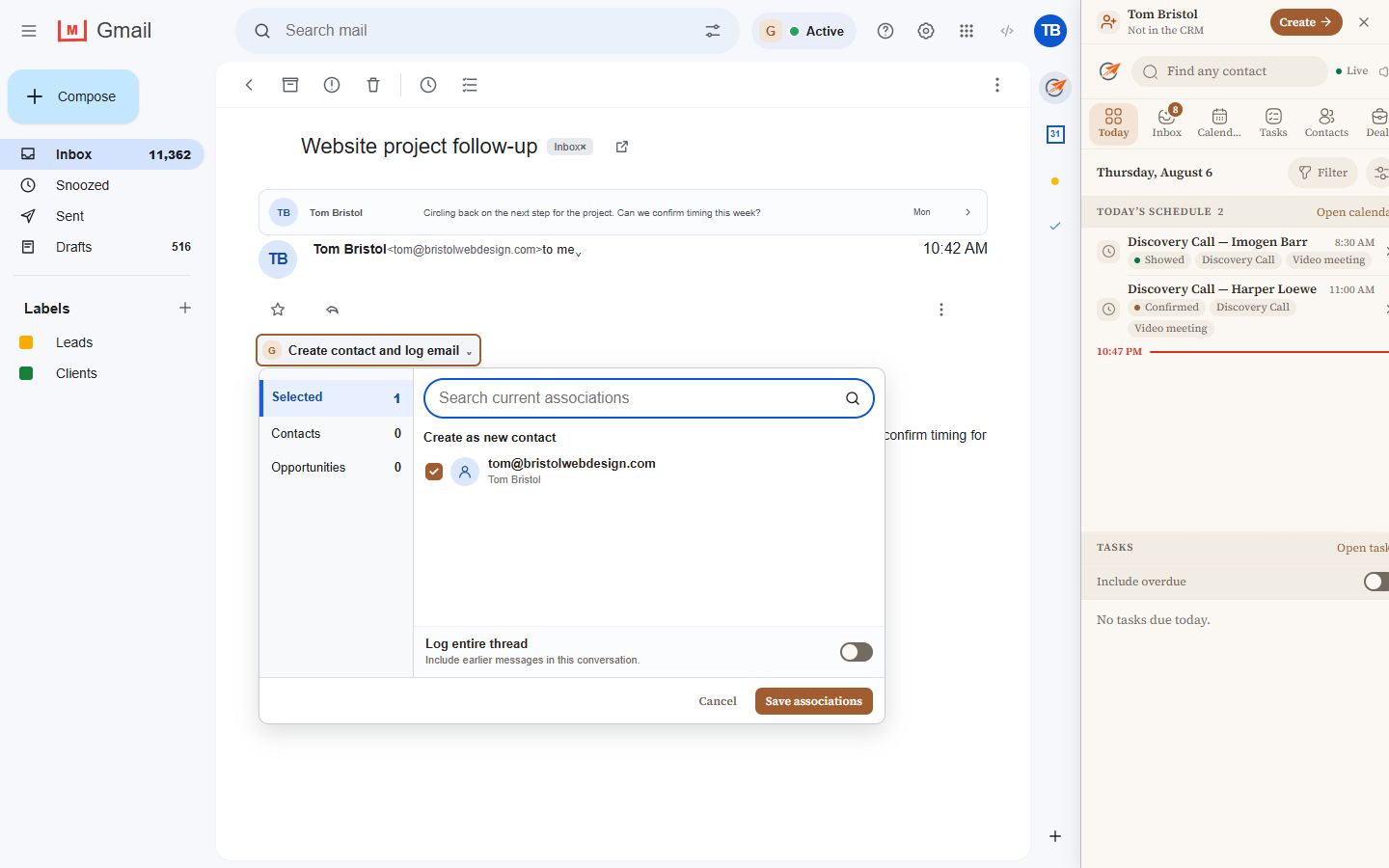
A Gmail message with the CRM logging chooser open for one message or the entire thread
You decide before anything is saved. Choose the contact, opportunity, message, or entire thread.
All-or-nothing syncEverything enters the CRM
or
Gmail Selective SyncOnly chosen conversations enter

Gmail Selective Sync

Use your Google Workspace inbox without pouring every email into your CRM.

Private conversations, internal threads, receipts, newsletters, and everything else can stay in Gmail. When an email matters to a lead or customer, send it deliberately.

1

Open the message

The action appears directly inside Gmail, where you are already working.

3

Keep the record useful

Only the conversations that support your sales process become CRM history.

Selective means selective. Nothing is bulk-synced just because it reached your Google Workspace inbox.
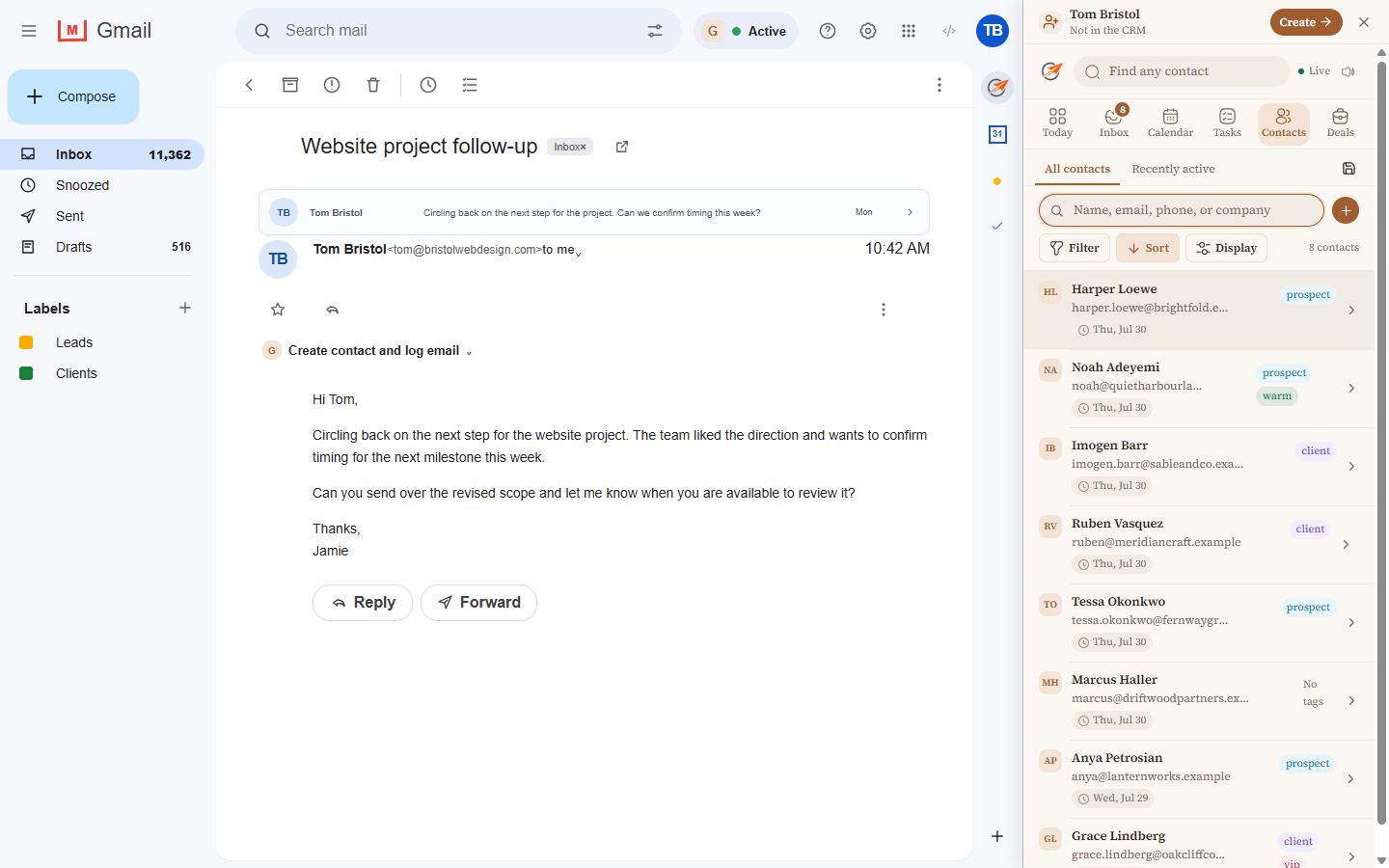
A narrow CRM Sidebar contact view showing contact details and configured sections

A complete contact workspace in the same narrow browser panel.

Built around your business

The sidebar is configurable. The useful parts are yours.

Choose the fields, sections, labels, ordering, and actions your team needs. Bring the contact buttons you already rely on into a workspace designed for the job.

Contact buttons

Open focused, form-like views instead of digging through a field list.

Custom sections

Put the right information in the right order for each location or niche.

Connected records

Move through contacts, opportunities, custom objects, and relationships.

Agency templates

Build a polished setup once, publish it across clients, and preserve local overrides.

For agencies

Turn a generic CRM into the workspace your niche needs.

Package Selective Sync, a configured sidebar, contact buttons, branding, and reusable templates into a better client experience.

Straightforward pricing

One location. Selective email sync and the full sidebar.

No seat math and no separate add-on for Selective Sync.

CRM Sidebar

$10/ month
per CRM location
  • Chrome extension
  • Gmail Selective Sync
  • Fast CRM browser sidebar
  • Configurable views and contact buttons
  • Product updates included
Get CRM Sidebar

Qualifying Toolkit agency memberships include CRM Sidebar for their locations.

The point of Selective Sync

Your inbox stays your inbox.

Choose

You decide what gets saved

Send a specific message or thread when it belongs in the CRM.

Exclude

Keep unrelated email out

Your Google Workspace inbox can serve the whole business without becoming a bulk CRM feed.

Control

Use never-log boundaries

Exclude selected addresses and domains from logging workflows.

Read the Privacy Policy

Common questions

What Selective Sync changes.

Does CRM Sidebar automatically sync my entire Gmail inbox?

No. Selective Sync is built so you can choose the messages and threads that belong in your CRM.

Can I send a whole thread instead of one message?

Yes. Choose the current message or include the earlier messages in the conversation.

Can I use the sidebar outside Gmail?

Yes. CRM Sidebar is a browser side panel, so the CRM workspace can stay available while you work elsewhere online.

Is every sidebar configured the same way?

No. Fields, sections, labels, actions, contact buttons, and connected records can be configured around the business.

What do agencies get?

Qualifying Toolkit agencies can create branded templates, apply them across client locations, publish improvements, and allow local overrides.

CRM Sidebar with Gmail Selective Sync

Send the right emails. Keep the CRM close.

Get CRM Sidebar for $10/month